
Anúncios
GPS apps have revolutionized how we navigate modern cities and explore new destinations, making paper maps a relic of the past.

Whether you’re commuting to work, embarking on a road trip, or searching for the nearest coffee shop, GPS applications have become indispensable companions in our daily lives. These powerful tools combine satellite technology with real-time data to guide millions of users toward their destinations efficiently and safely.
Anúncios
The evolution of GPS technology has transformed these apps from simple direction-givers into sophisticated platforms offering traffic updates, alternative routes, points of interest, and even social features. Understanding how to choose and maximize the potential of a GPS app can significantly enhance your travel experience and save valuable time.
🌍 How GPS Applications Actually Work
GPS apps rely on a network of satellites orbiting Earth, constantly transmitting signals to devices on the ground. Your smartphone receives these signals from multiple satellites and calculates your precise location through a process called trilateration. This technology, originally developed for military purposes, now powers everyday navigation for billions of people worldwide.
Anúncios
Modern GPS applications don’t work in isolation. They combine satellite data with cellular tower information, Wi-Fi positioning, and sometimes even Bluetooth beacons to improve accuracy, especially in urban environments where tall buildings can interfere with satellite signals. This multi-layered approach ensures you receive reliable positioning even in challenging conditions.
The real magic happens when GPS apps integrate real-time data from other users, traffic sensors, and historical patterns. This crowdsourced information allows the app to predict traffic conditions, suggest faster routes, and warn you about accidents, construction zones, or police activity ahead. It’s this combination of satellite precision and community intelligence that makes contemporary navigation apps so powerful.
🚗 Essential Features Every GPS App Should Have
When selecting a GPS application, certain features separate exceptional tools from mediocre ones. Turn-by-turn voice navigation ranks among the most critical, allowing you to keep your eyes on the road while receiving clear instructions. The best apps offer multiple voice options and adjustable volume settings to suit different preferences and environments.
Offline map capabilities prove invaluable when traveling through areas with poor cellular coverage or when roaming internationally. Quality GPS apps allow you to download regional maps beforehand, ensuring uninterrupted navigation regardless of your connection status. This feature can be a lifesaver during remote adventures or unexpected connectivity issues.
Real-time traffic updates represent another game-changing feature. Apps that provide live traffic information help you avoid congestion, saving both time and fuel. The most advanced platforms even learn your regular routes and can notify you of unusual delays before you leave home, allowing you to adjust your departure time accordingly.
Points of Interest and Discovery Tools 📍
Beyond basic navigation, comprehensive GPS apps serve as travel guides, highlighting restaurants, gas stations, hotels, attractions, and emergency services along your route. Search functionality should be intuitive, allowing you to find destinations by name, category, or proximity. Some apps even integrate reviews and ratings from other users, helping you make informed decisions about where to stop.
The ability to save favorite locations and create custom lists enhances the user experience significantly. Whether you’re marking your regular parking spot, saving vacation destinations, or compiling a list of recommended restaurants, this organizational feature streamlines future navigation and planning.
⚡ Comparing Popular GPS Navigation Platforms
The GPS app market offers diverse options, each with unique strengths. Waze stands out for its community-driven approach, where millions of users contribute real-time updates about traffic conditions, hazards, and police presence. This social dimension creates an interactive experience that many drivers find engaging and particularly useful for daily commutes.
Google Maps dominates with comprehensive global coverage and seamless integration with other Google services. Its strength lies in extensive business information, Street View imagery, and multi-modal transportation options including walking, cycling, and public transit directions. The platform’s accuracy and detail make it an excellent all-purpose navigation solution.


Apple Maps has evolved considerably since its rocky launch, now offering clean interfaces, excellent integration with iOS devices, and impressive features like Flyover and Look Around. For Apple ecosystem users, the seamless Siri integration and automatic syncing across devices provide undeniable convenience.
Specialized apps like HERE WeGo and MapQuest cater to specific needs, offering features such as speed limit displays, lane guidance, and alternative routing algorithms. Some users prefer these platforms for their customization options or lighter data consumption compared to more feature-rich alternatives.
🔒 Privacy Considerations When Using GPS Apps
Location tracking raises legitimate privacy concerns that every user should understand. GPS applications collect substantial data about your movements, habits, and frequently visited places. This information, while essential for providing personalized services, creates a detailed profile of your daily life that could be vulnerable to misuse.
Reputable GPS apps offer privacy settings allowing you to control data collection and sharing. Many platforms let you operate in “incognito” or “private” modes that don’t save your search history or share your location with other users. Reviewing and adjusting these settings according to your comfort level represents an important step after installing any navigation app.
Understanding each app’s data policy helps you make informed decisions. Some free applications monetize through advertising and data sales, while others maintain stricter privacy standards. Reading privacy policies might seem tedious, but knowing how your location data will be used, stored, and potentially shared should influence your choice of navigation platform.
Balancing Convenience and Security 🛡️
Location services don’t need to remain active constantly. Configuring your phone to allow GPS access only while using the app prevents unnecessary background tracking. This approach balances functionality with privacy, ensuring navigation works when needed without compromising your location data during other activities.
Consider the permissions each app requests carefully. Does a navigation app really need access to your contacts, photos, or microphone? Granting only essential permissions minimizes potential privacy risks while maintaining core functionality. Most modern operating systems allow granular control over app permissions, empowering users to customize access appropriately.
💡 Maximizing Battery Life During Navigation
GPS functionality notoriously drains smartphone batteries, especially during extended navigation sessions. The combination of constant satellite communication, screen activation, and data processing creates significant power demands. Understanding strategies to optimize battery performance ensures your device remains functional throughout your journey.
Screen brightness dramatically impacts battery consumption. Reducing brightness to the minimum comfortable level extends operating time substantially. Many GPS apps offer night modes with darker color schemes that consume less power while maintaining visibility. Enabling these features during evening drives serves dual purposes: saving battery and reducing eye strain.
Background app refresh and unnecessary notifications consume power without contributing to navigation performance. Closing unused applications and temporarily disabling non-essential notifications while navigating conserves battery. Some phones offer battery saver modes specifically designed for navigation, limiting background processes while maintaining GPS functionality.
Practical Power Management Tips 🔋
Investing in a quality car charger transforms battery anxiety into a non-issue during vehicle navigation. USB ports built into modern vehicles or dedicated car chargers ensure your device remains powered throughout the journey. For longer trips or areas without charging options, portable power banks provide reliable backup power sources.
Downloading offline maps before starting your journey reduces the need for constant data connectivity, which drains batteries faster than offline operation. This approach proves particularly effective in areas with weak cellular signals, where your phone would otherwise consume excessive power searching for connections.
🌟 Advanced Features Transforming Modern Navigation
Augmented reality (AR) navigation represents the cutting edge of GPS technology. Apps incorporating AR overlay directional arrows and information directly onto live camera views of your surroundings, making complex intersections and unfamiliar areas easier to navigate. This immersive experience reduces confusion and missed turns, especially beneficial for pedestrians and cyclists.
Voice assistant integration allows hands-free operation beyond basic navigation. Ask your GPS app to find nearby restaurants, check arrival times, or reroute without touching your device. This seamless integration with Siri, Google Assistant, or Alexa enhances safety by minimizing distractions while driving.
Predictive routing algorithms analyze your historical patterns to anticipate destinations and suggest departure times. Imagine your GPS app automatically notifying you that unusual traffic on your morning commute means you should leave ten minutes early. These intelligent systems learn from your behavior to provide proactive assistance.
🚴 GPS Apps Beyond Driving Navigation
Modern GPS applications extend far beyond automotive navigation. Cycling modes provide routes prioritizing bike lanes, lower-traffic streets, and appropriate terrain for your cycling level. These specialized directions consider factors irrelevant to drivers but crucial for cyclists, such as steep hills, unpaved paths, and bike-sharing station locations.
Pedestrian navigation transforms city exploration. Walking directions account for sidewalks, crosswalks, and pedestrian-only paths that vehicles can’t access. Some apps highlight scenic routes, historical points, and public restrooms along the way, enriching the walking experience beyond simple point-to-point directions.
Public transportation integration combines GPS navigation with transit schedules, showing you which bus or train to take, where to transfer, and when to depart. Real-time updates about delays or service changes help you adjust plans dynamically, making public transit navigation as convenient as driving directions.
Outdoor Adventure and Hiking Features 🥾
Specialized GPS apps cater to hikers, campers, and outdoor enthusiasts with topographic maps, trail information, and wilderness navigation tools. These platforms often include features like elevation profiles, difficulty ratings, and user-submitted trail conditions. Offline functionality proves essential in remote areas where cellular coverage disappears.
Fitness-focused GPS apps track your routes, distance, pace, and elevation gain, transforming navigation into workout documentation. Runners and cyclists particularly appreciate these features, which combine wayfinding with performance metrics. Sharing routes with friends and discovering popular local paths adds social dimensions to outdoor activities.
🛠️ Troubleshooting Common GPS App Issues
Inaccurate positioning frustrates users but usually stems from correctable issues. Ensure location services remain enabled with “high accuracy” mode selected, allowing your device to use GPS, Wi-Fi, and cellular networks simultaneously. Tall buildings, tunnels, and dense foliage can temporarily interfere with satellite signals; patience while the app reacquires your position typically resolves these situations.
Outdated maps lead to incorrect directions and missing locations. Regularly updating your GPS app and downloaded maps ensures access to the latest road changes, new businesses, and corrected errors. Most apps offer automatic update options, downloading fresh map data when connected to Wi-Fi to avoid consuming mobile data.
Slow performance or crashes often result from insufficient storage space or conflicting applications. Clearing the app cache, removing unused offline maps, and ensuring adequate free space on your device improves stability. If problems persist, reinstalling the app provides a fresh start that resolves many persistent issues.
🌐 The Future of GPS Navigation Technology
Artificial intelligence continues reshaping GPS applications, enabling more accurate traffic predictions, personalized route suggestions, and natural language understanding. Future apps will anticipate your needs with minimal input, learning not just where you go but when you prefer certain routes, which types of locations interest you, and how you like to travel.
Vehicle-to-vehicle (V2V) communication represents an emerging technology where cars share information about road conditions, hazards, and traffic flow directly with each other. As this technology becomes standard, GPS apps will leverage these connections to provide unprecedented real-time awareness and safety features.
Integration with autonomous vehicles will fundamentally transform navigation apps from tools that guide human drivers to systems that coordinate with self-driving cars. These future platforms might focus less on turn-by-turn directions and more on journey planning, entertainment during travel, and optimizing routes for energy efficiency or scenic value.
📱 Making the Right Choice for Your Navigation Needs
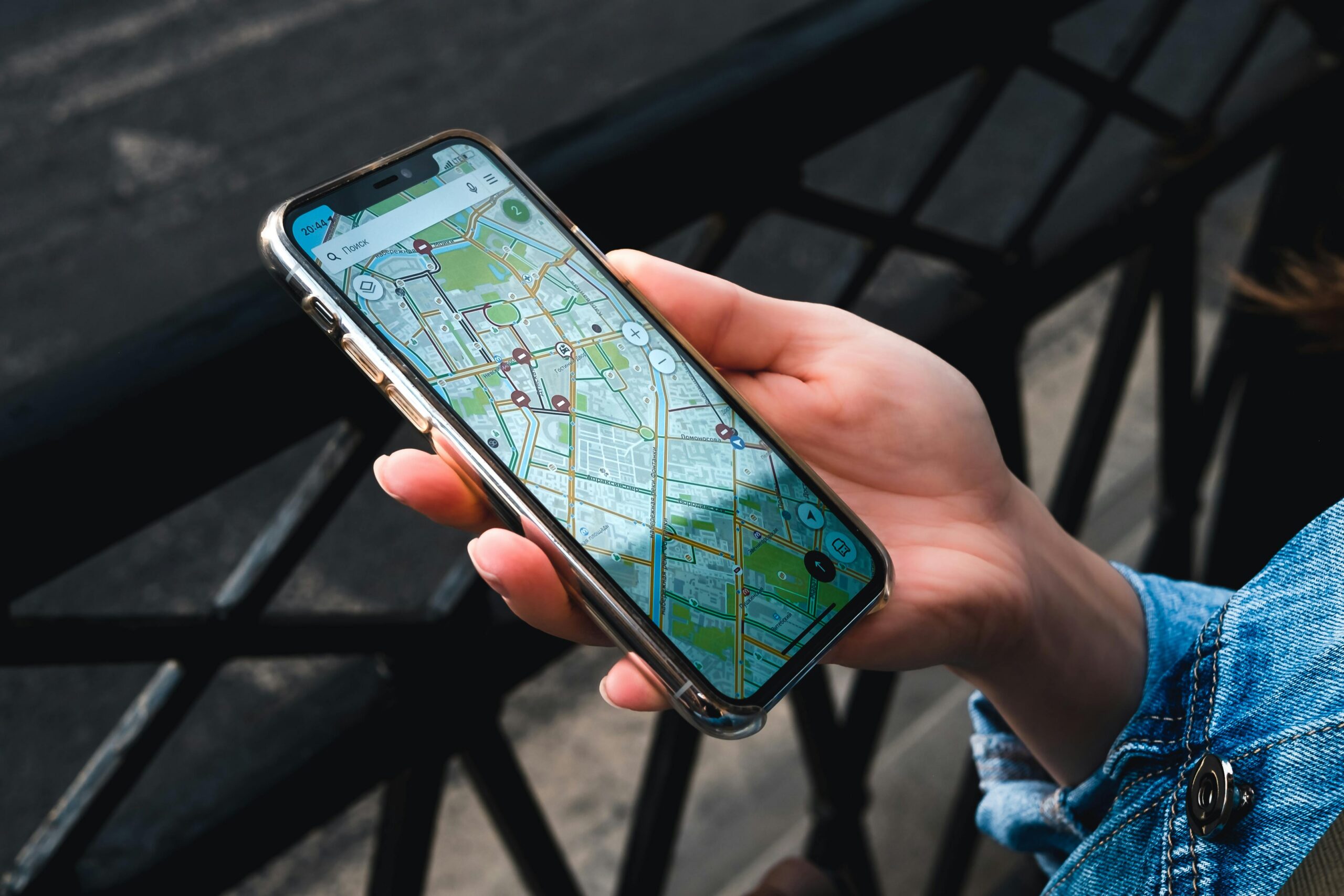
Selecting the ideal GPS app depends on your specific requirements and usage patterns. Frequent road trippers benefit from apps with comprehensive offline capabilities and extensive points of interest databases. Daily commuters might prioritize real-time traffic updates and alternate route suggestions. Urban explorers often prefer platforms with strong public transportation integration and walking directions.
Don’t hesitate to experiment with multiple GPS applications. Most navigation apps are free, allowing you to test different platforms and discover which interface, features, and routing algorithms suit your preferences. You might find that one app excels for daily commuting while another proves superior for vacation planning or outdoor adventures.
Consider the broader ecosystem when choosing a GPS app. If you’re deeply invested in Apple’s ecosystem, Apple Maps offers unmatched integration. Android users might prefer Google Maps for similar reasons. Cross-platform users should prioritize apps available on multiple devices with synchronized favorites and settings.
The right GPS application transforms from a simple tool into a trusted travel companion, confidently guiding you through familiar streets and unknown territories alike. Whether navigating rush hour traffic, exploring a new city, or embarking on a cross-country adventure, a reliable GPS app ensures you reach your destination efficiently and stress-free. Embrace these powerful technologies, understanding their capabilities and limitations, to unlock seamless navigation in our increasingly mobile world.
